




 Ships within 3-4 business days or less






Copyright © 2026 KVMGalore® - All rights reserved.
Buy this item and earn 40 ClubPoints.
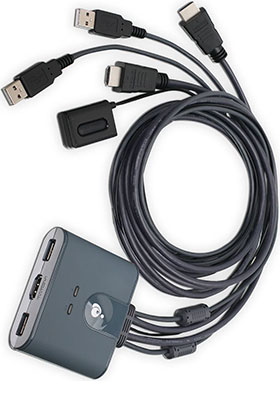
GCS32HU: Share 2 HDMI® computers with one keyboard/mouse on one HDMI display

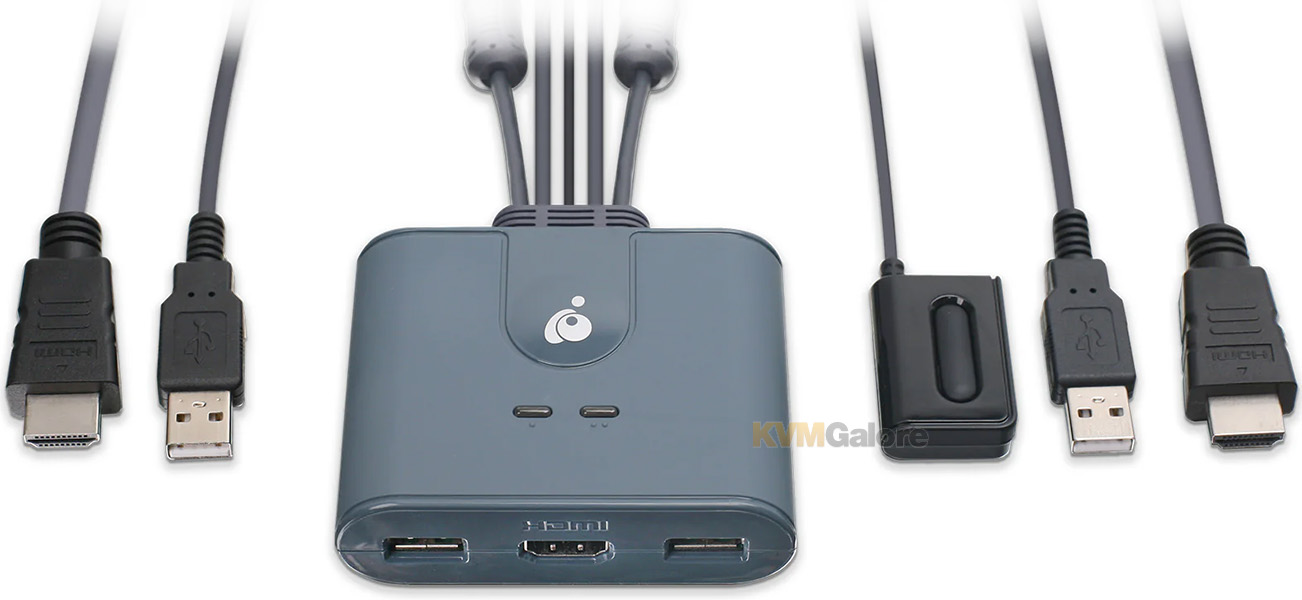
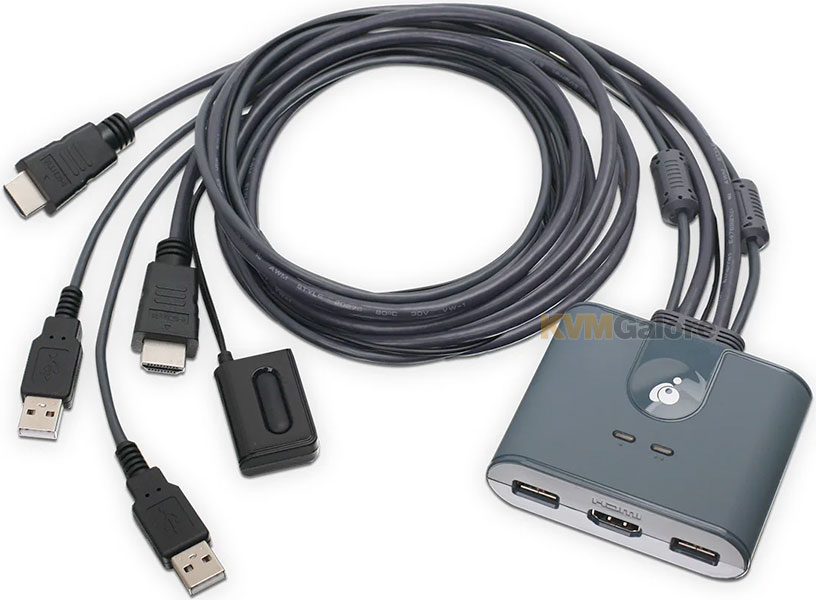
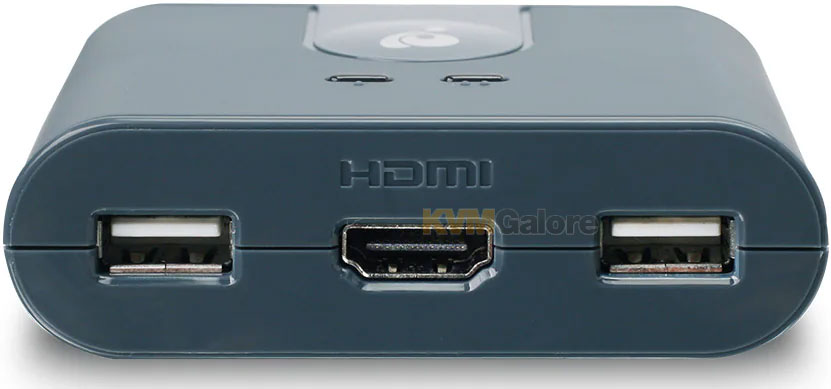
IOGEAR's GCS32HU 2-port HDMI KVM switch with HDMI and USB connections enables effortless control over two HDMI computers using a single USB keyboard, a USB mouse and an HDMI monitor.
This HDMI KVM switch is HDCP compliant and supports up to 1920x1200 @ 60Hz resolution on a widescreen HDMI display, perfect for those who need to get the job done in the office, at home and at school.
Easy Installation
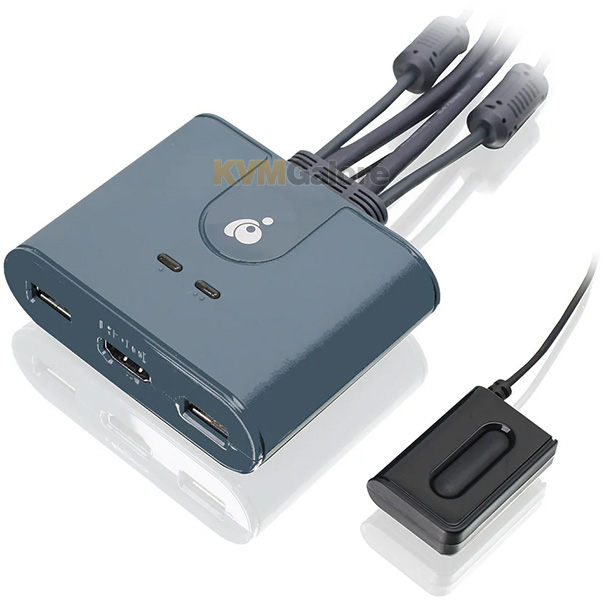
The 2-port HDMI KVM Switch is plug-and-play. And all the cables you need are included. The KVM switch shows which computer you are using with a light on the unit (either PC1 or PC2).
Toggling between two HDMI computers is as easy as clicking the remote port selector button allowing the user to multitask with two computers. Place the 6 foot remote port cable behind your computer set-up so the selector button can be placed on your desk for easy reach.
Switch Between PCs with a Push of a Button
This KVM switch comes with built-in cables and is USB powered. There is no need for an external power source. Hide the KVM switch anywhere and use the 6 foot cable remote push-button to switch between the two connected computers.
Flexible and Expandable
The 2-port HD KVM switch with HDMI is perfect for those who need to get the job done in the office and at home.
Need more USB ports? No Problem! Plug in a USB hub to expand your peripheral sharing between your computers.
 Travel-Friendly Design
Ideal for IT professionals, the compact build ensures easy storage and conveniently fits alongside your mobile devices, offering seamless usability on-site or while on the go.
Features and Benefits
• One USB keyboard, USB mouse, and HDMI monitor controls two HDMI computers
• Full-HD video quality - up to 1920x1200 @ 60Hz
• Plug-n-Play monitor support
• Molded-in cables to simplify setup
• Compact design features two attached KVM (USB and HDMI) cables
• Supports Windows® or later, Mac OS® 10.13 or later, Linux®, Unix and other USB supported systems
• No software drivers required – simply connect the cables to the computers
• Computer selection via a 6 foot remote controller cable that can be placed on your desk for easy reach
• Mac keyboard support
• No power adapter required
Need help with product selection?
Call KVMGalore at 1-800-636-3434, or submit your question on KVMGalore HelpCenter.